
Product update · No. 02 ·
What’s new in Tulina
Ask Tulina, the built-in assistant that knows the page you’re on, gives advice and builds for you. Apps that act on live data in your company’s design. The best image, video and audio models built into Tulina and paid from your credits.
Alessandro
Meet Ask Tulina, your built-in assistant
Ask Tulina lives inside Tulina, one click away on every page, so there is nothing to open or set up. It knows the page you’re on, so it can advise you, or build whatever the work needs: a table, a process, an agent, an app. In the film, one sentence sets up a weekly check of our Google rankings: the table, the process, the agent that runs it every Monday, and the app the whole team follows it in.
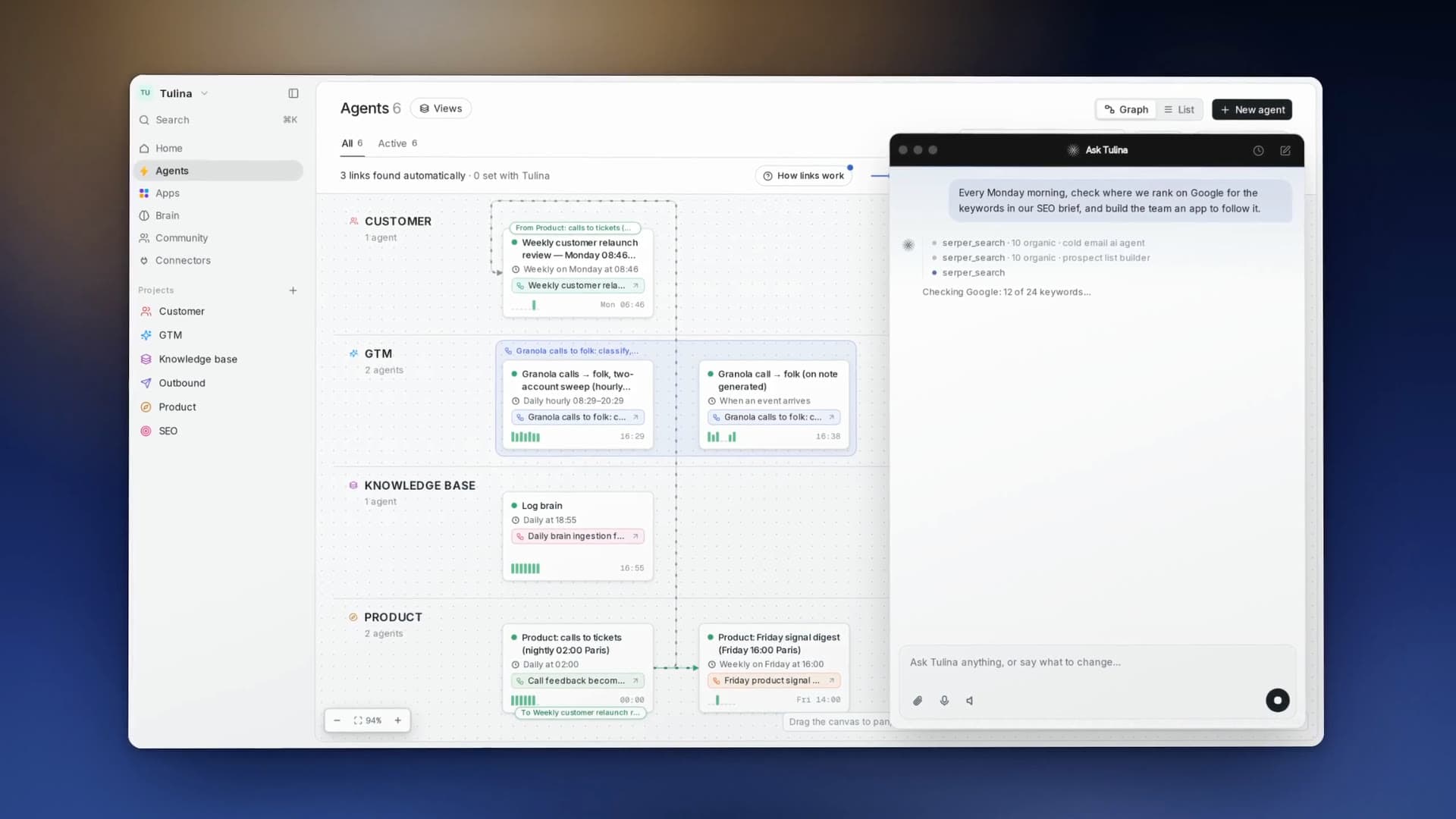
How to try it
- 1Click the Tulina bubble, on any page.
- 2Ask for advice, or say what you need built.
- 3Find what it built in your workspace, ready to use.
Apps that act, in your company’s design
Apps are live screens your team builds on everything Tulina connects to: your connected tools, the knowledge pulled in automatically, and the data hosted on the platform. One example is our own SEO app: its agents pick the keywords worth a page, then write and publish the articles to our website on their own. Every app wears your company’s design, set automatically from your brand, so every app your team builds looks like one product.
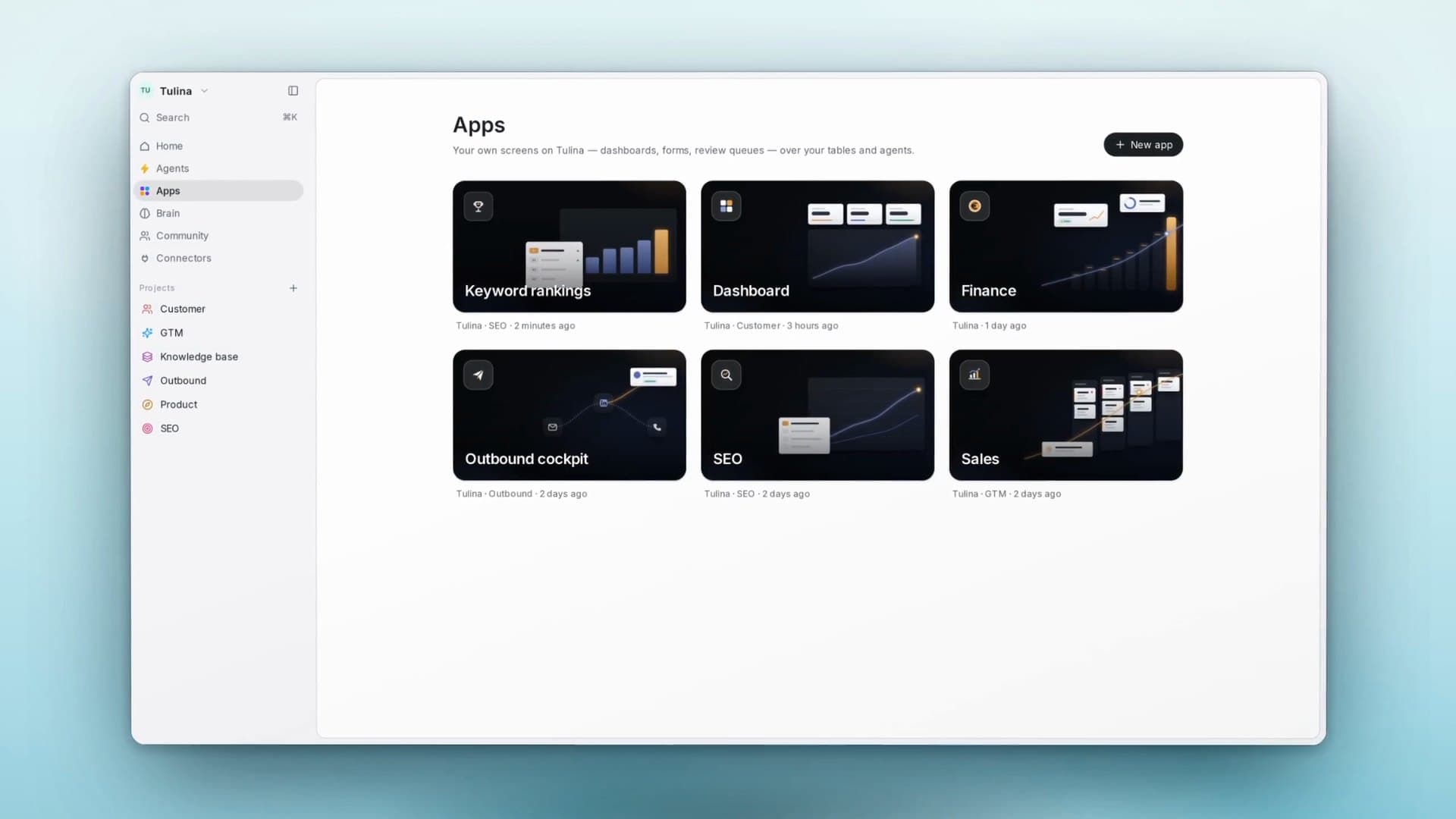
How to try it
- 1Open Apps and describe the screen you need.
- 2It draws on your tools, your knowledge and your tables.
- 3It wears your brand, so every app looks like one product.
The best image, video and audio models, built in
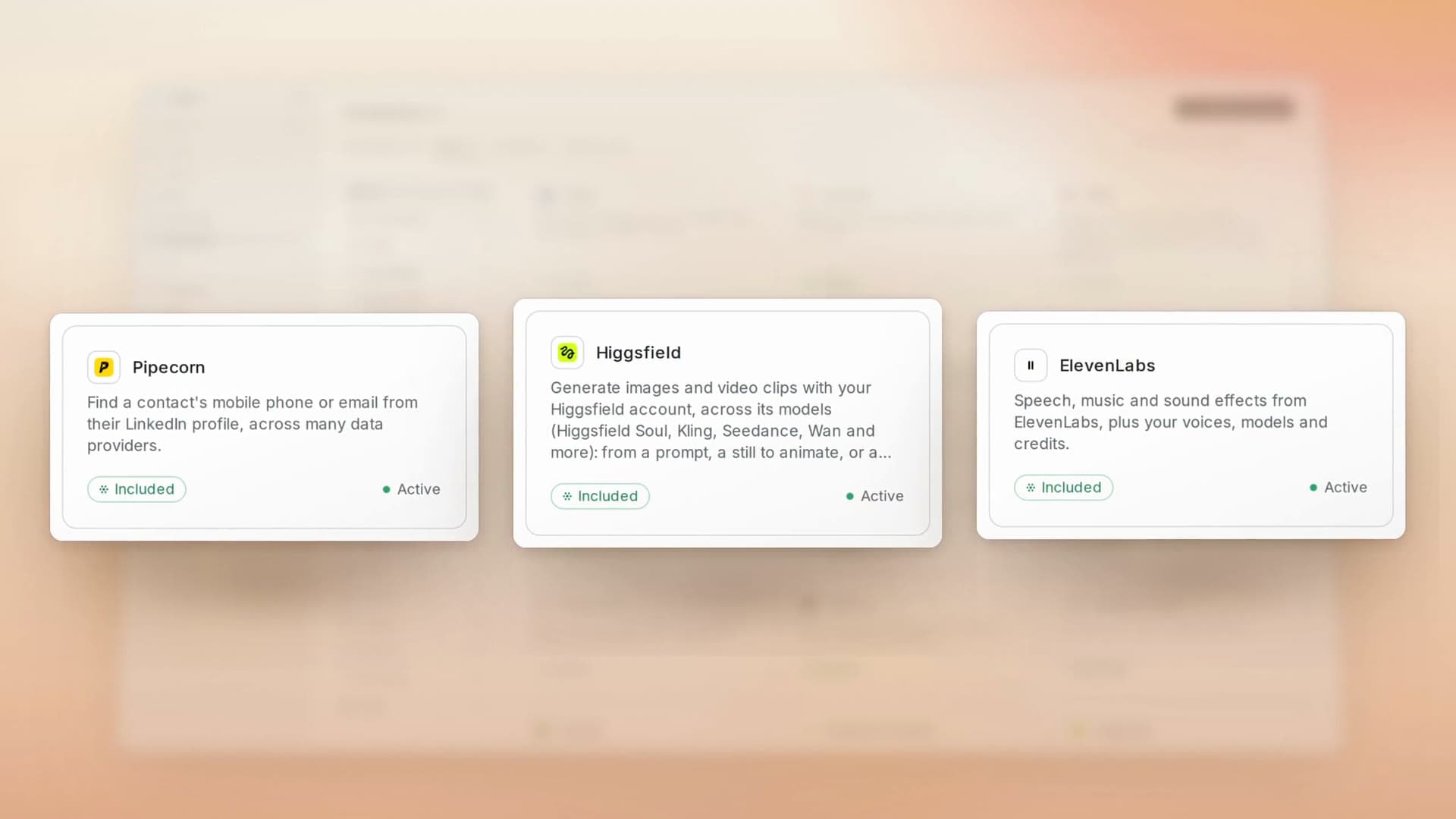
Higgsfield brings the best image and video models, Kling, Seedance, Soul and more: much of our launch film was made with it, from the restored vintage footage to the gold pour. ElevenLabs brings voice, music and sound, like the films in this update. Both are built into Tulina: your agents use them like any other tool, paid from your subscription’s built-in credits, with no key to paste.
How to try it
- 1Switch Higgsfield or ElevenLabs on, from Connectors.
- 2Ask for an image, a video clip, a voice-over or music.
- 3Each one is paid from your Tulina credits.
Also shipped
- Cheaper mobiles and emails. Pipecorn finds a mobile for 30 credits, half of FullEnrich’s 60, and a work email for 3.
- Connect any API yourself. A tool that isn’t in the catalogue connects as a Custom API, its key kept in a vault.
- Tables, grouped and linked. Group rows by any column, see a summary, and link records across tables with rollups.
- Ask for access. Request access to an agent, and admins approve it from the sidebar.
- Agents, at a glance. A graph of how your agents connect, saved views, and pause or run several at once.
- Dark mode. Choose System, Light or Dark in your personal settings.
- English or French. Pick your language, per account.
- Sign in with a text message. An SMS code as your second step.